I am not going to learn about it, I am not going to buy the things, I am not going to do it… I have too many projects as it is! I am not going to do sublimation!
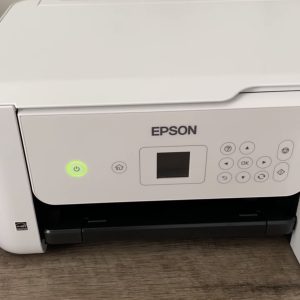
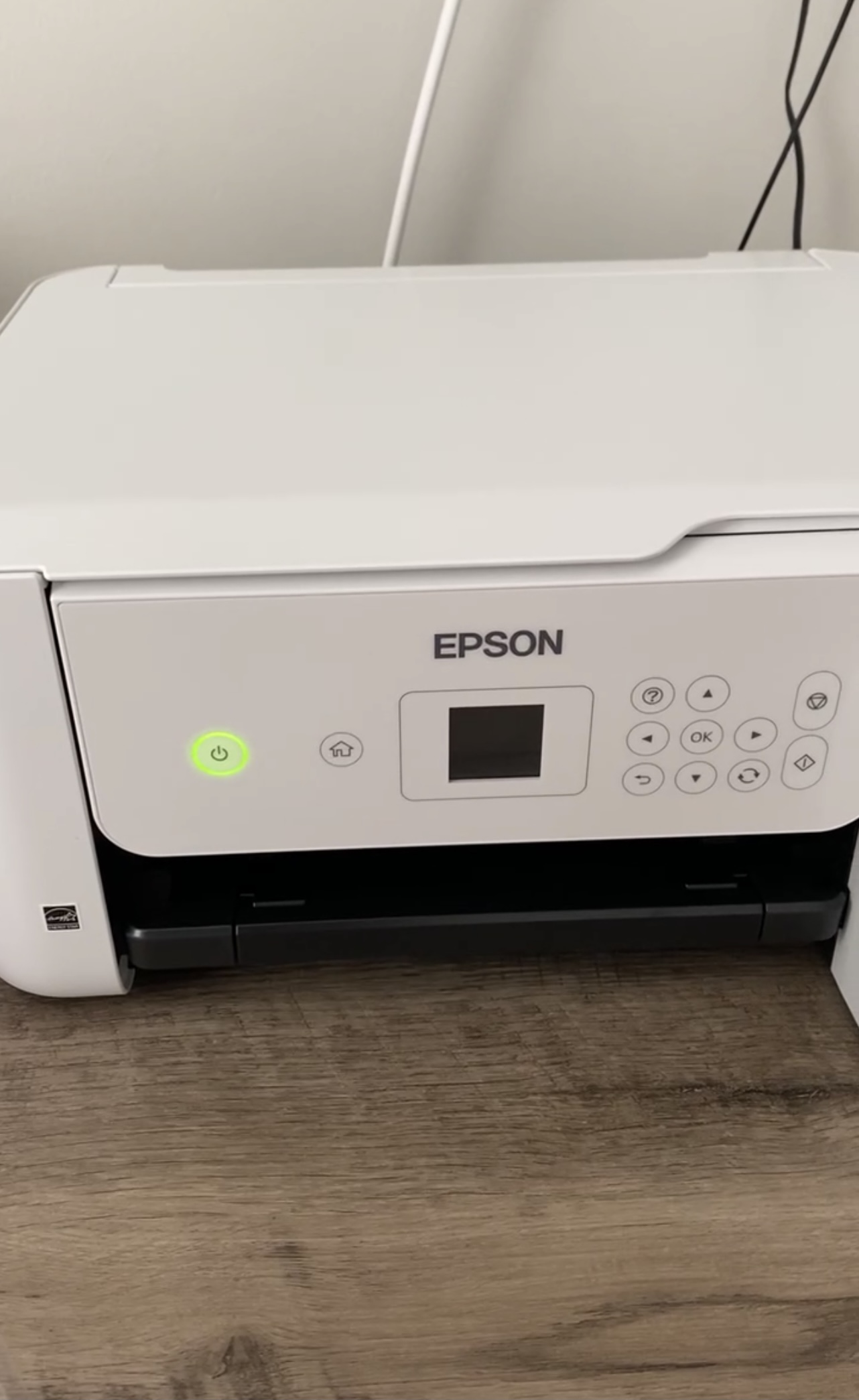
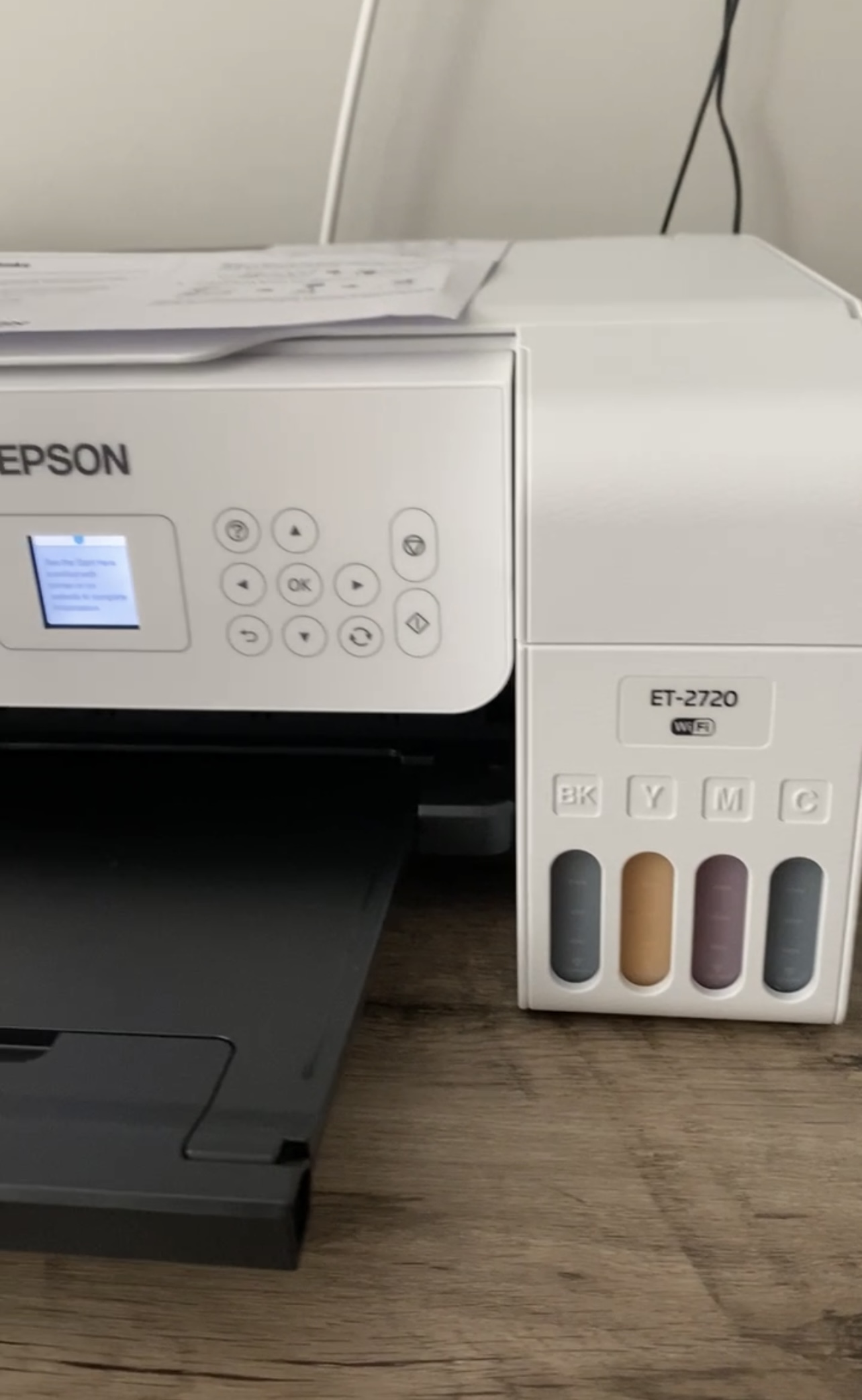
Sound familiar? Well guess what? I did it… And I’m going to tell you how I converted an inexpensive printer to a sublimation printer!
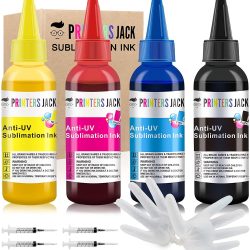
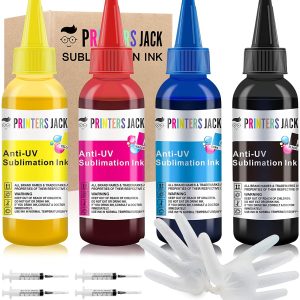
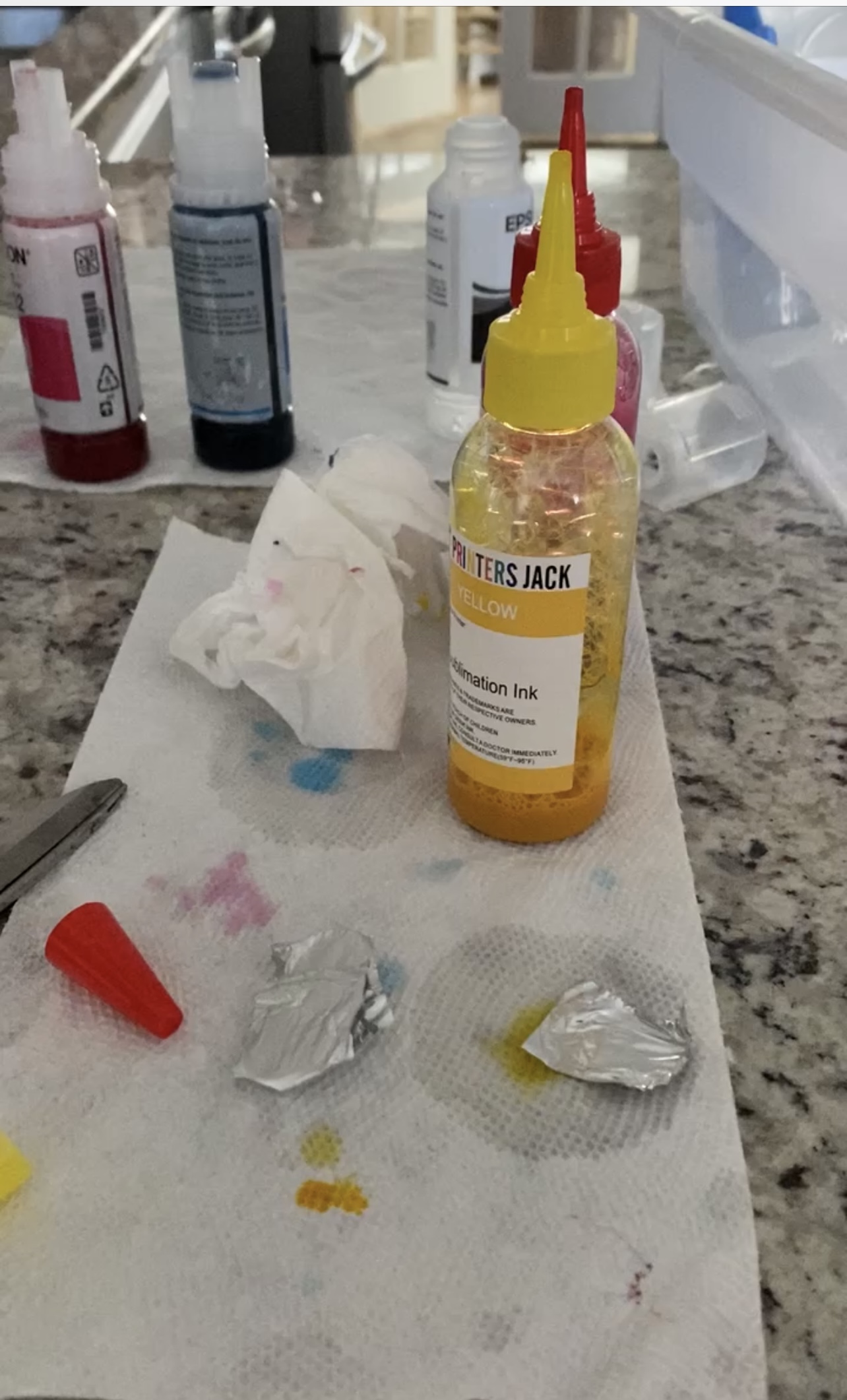
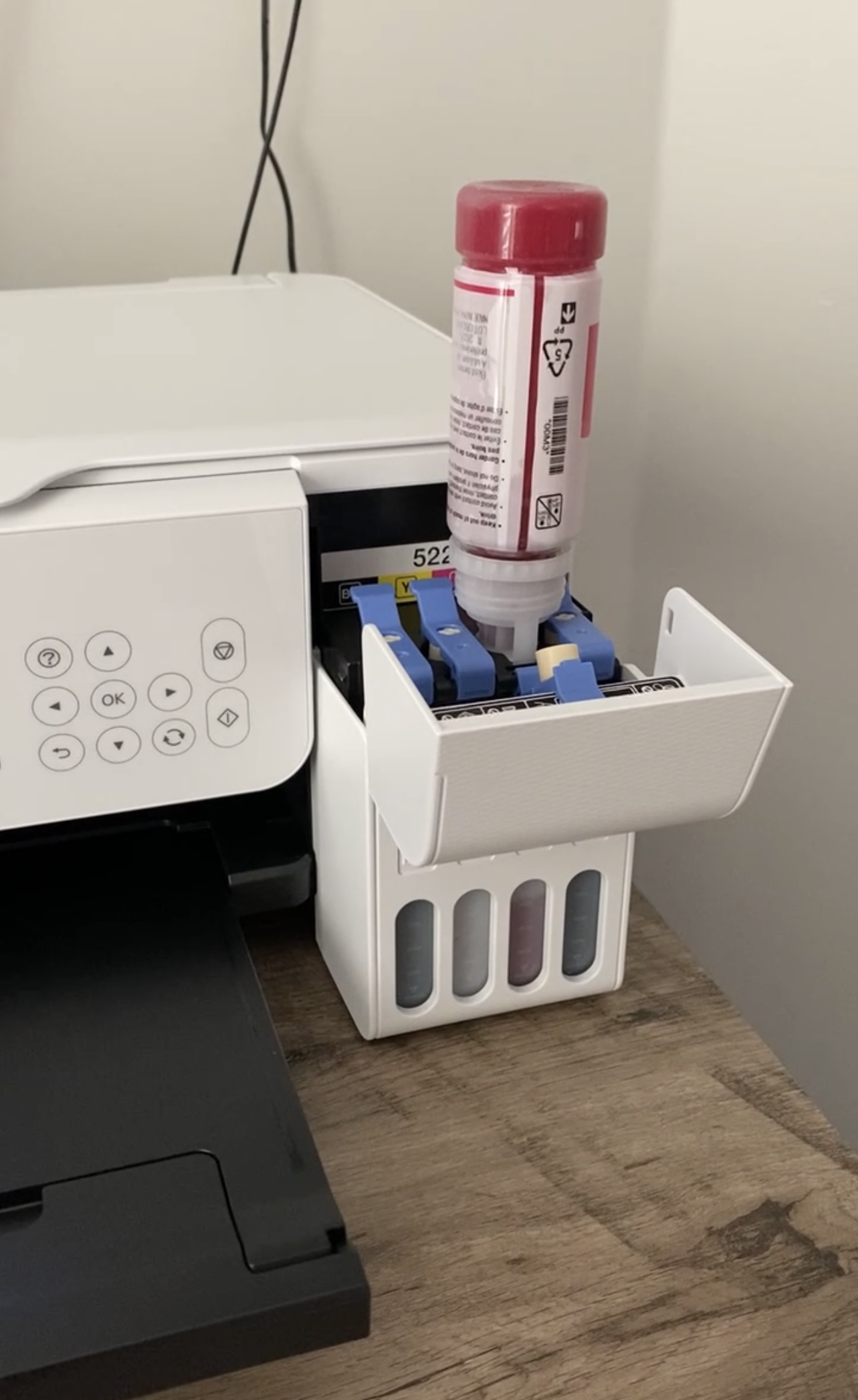
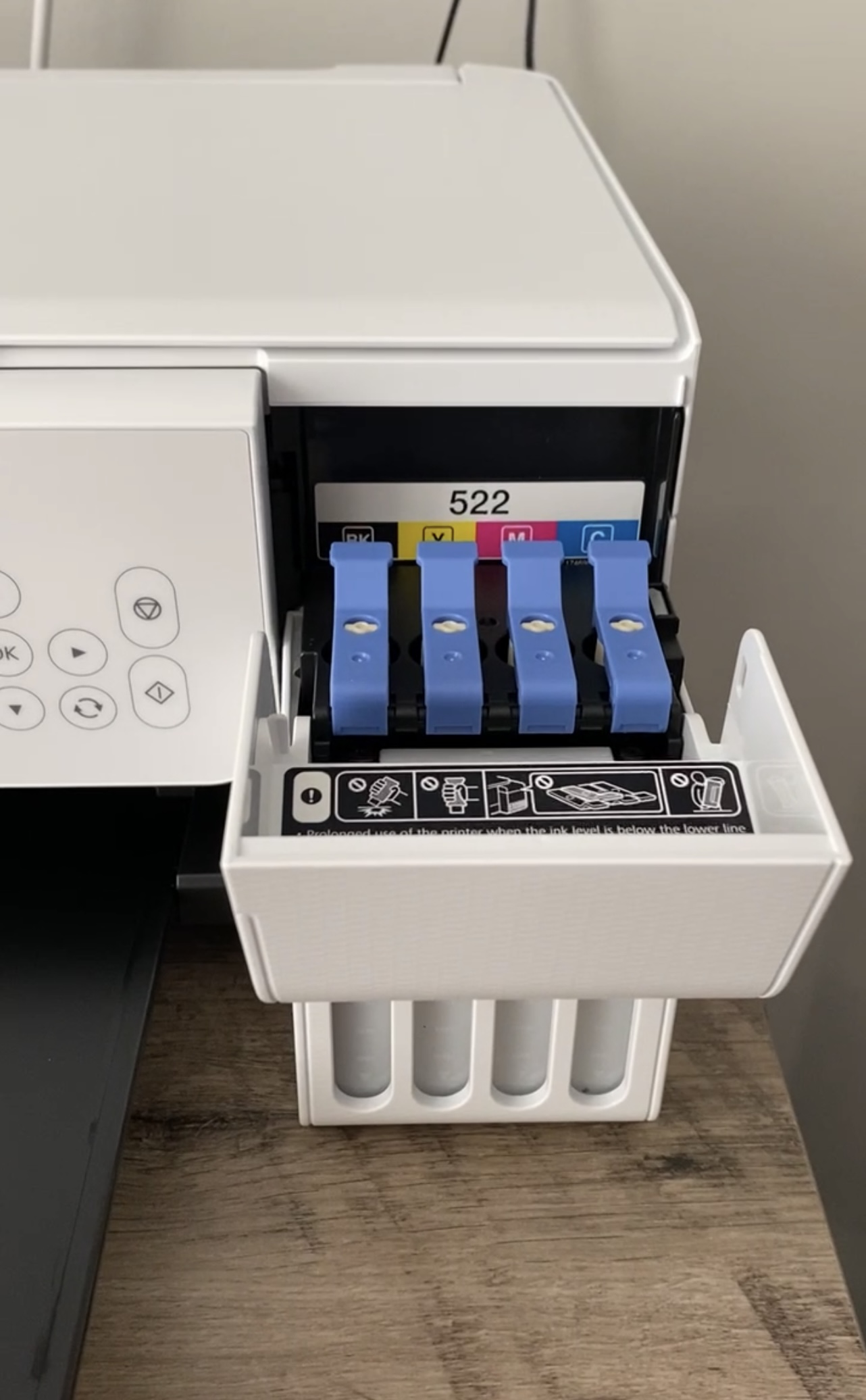
You take the cartridges that are supposed to go into the eco-tank with the printer and remove the ink that is inside of them. Make sure you rinse them very, very well. So I took my ink and poured it into the eco-tank cartridges. It was much easier than I thought it would be!
Hooking the computer up to my Wi-Fi was a piece of cake and then I was in business! I have been creating and printing sublimation designs ever since! Pro tip: don’t forget to print in reverse!
Start Designing!
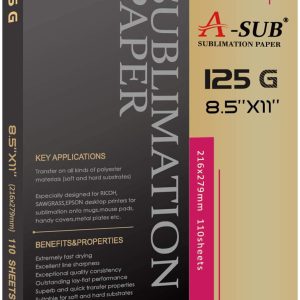
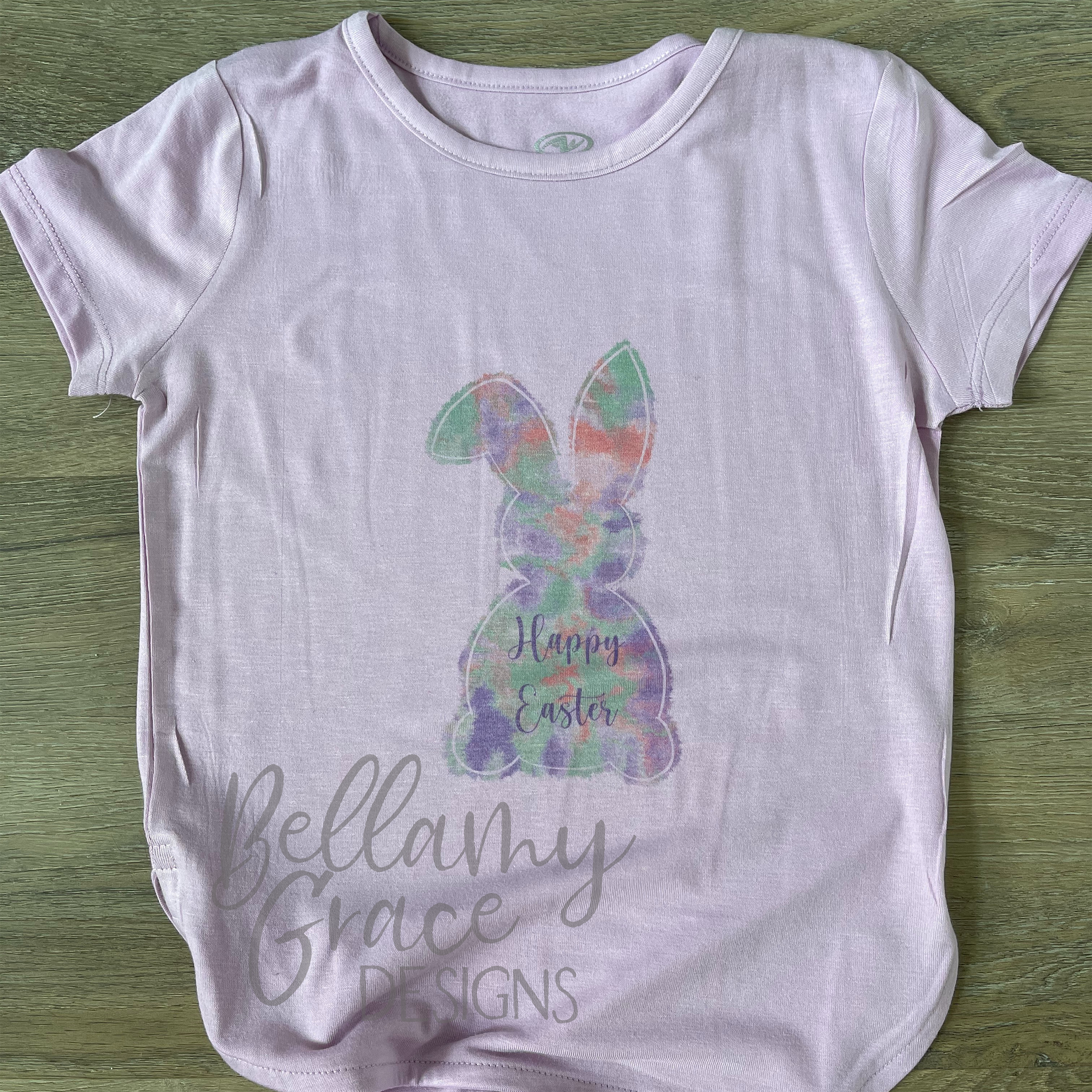
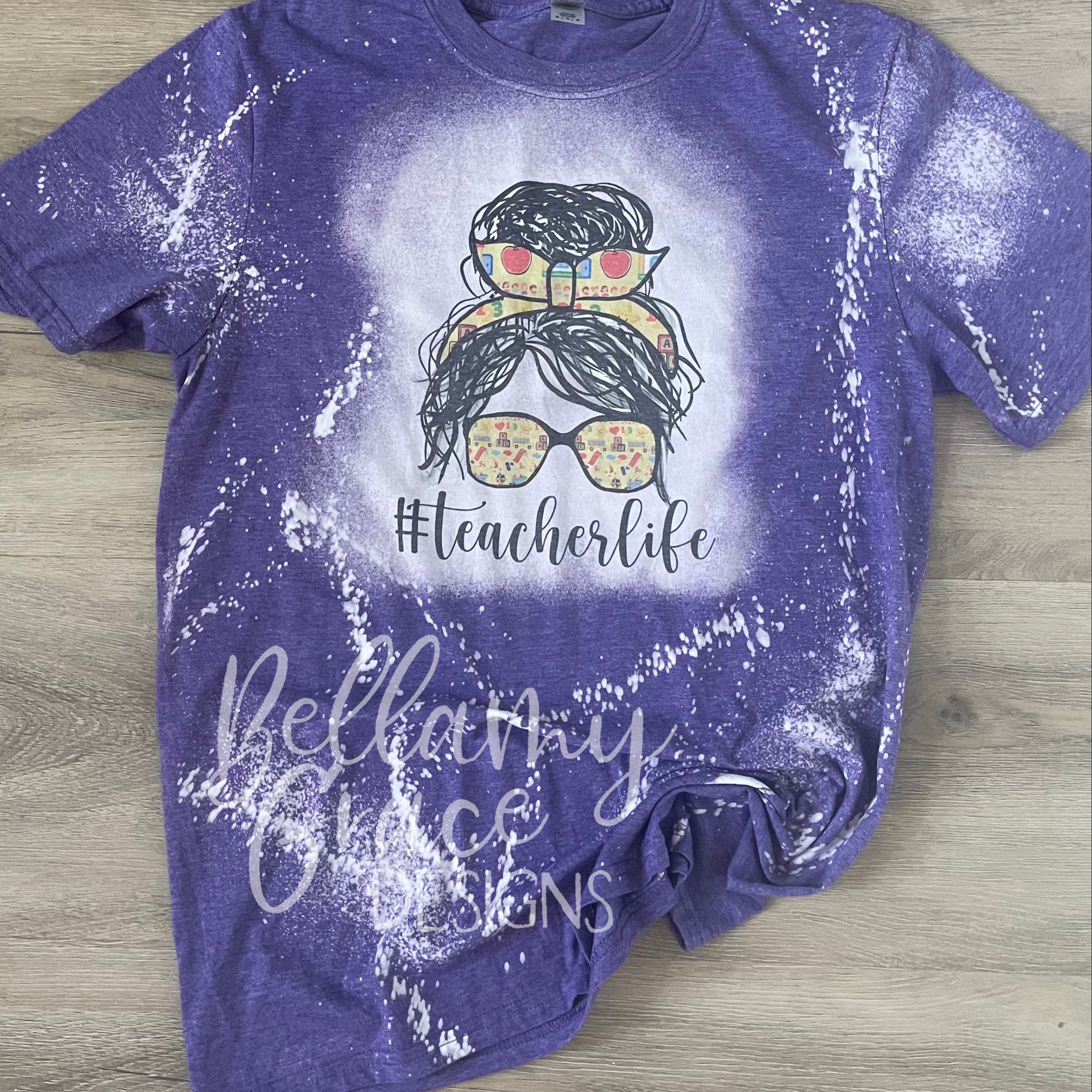
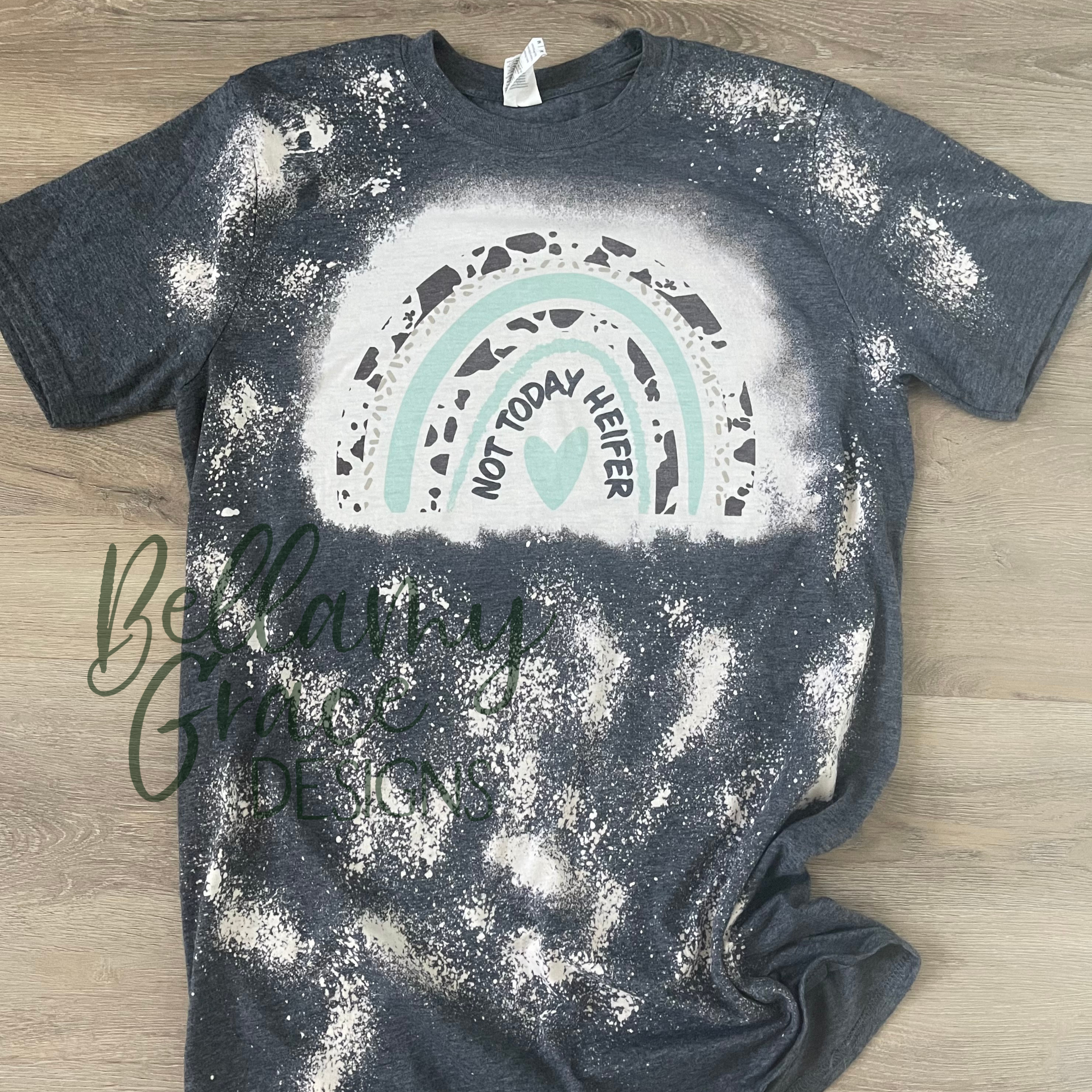
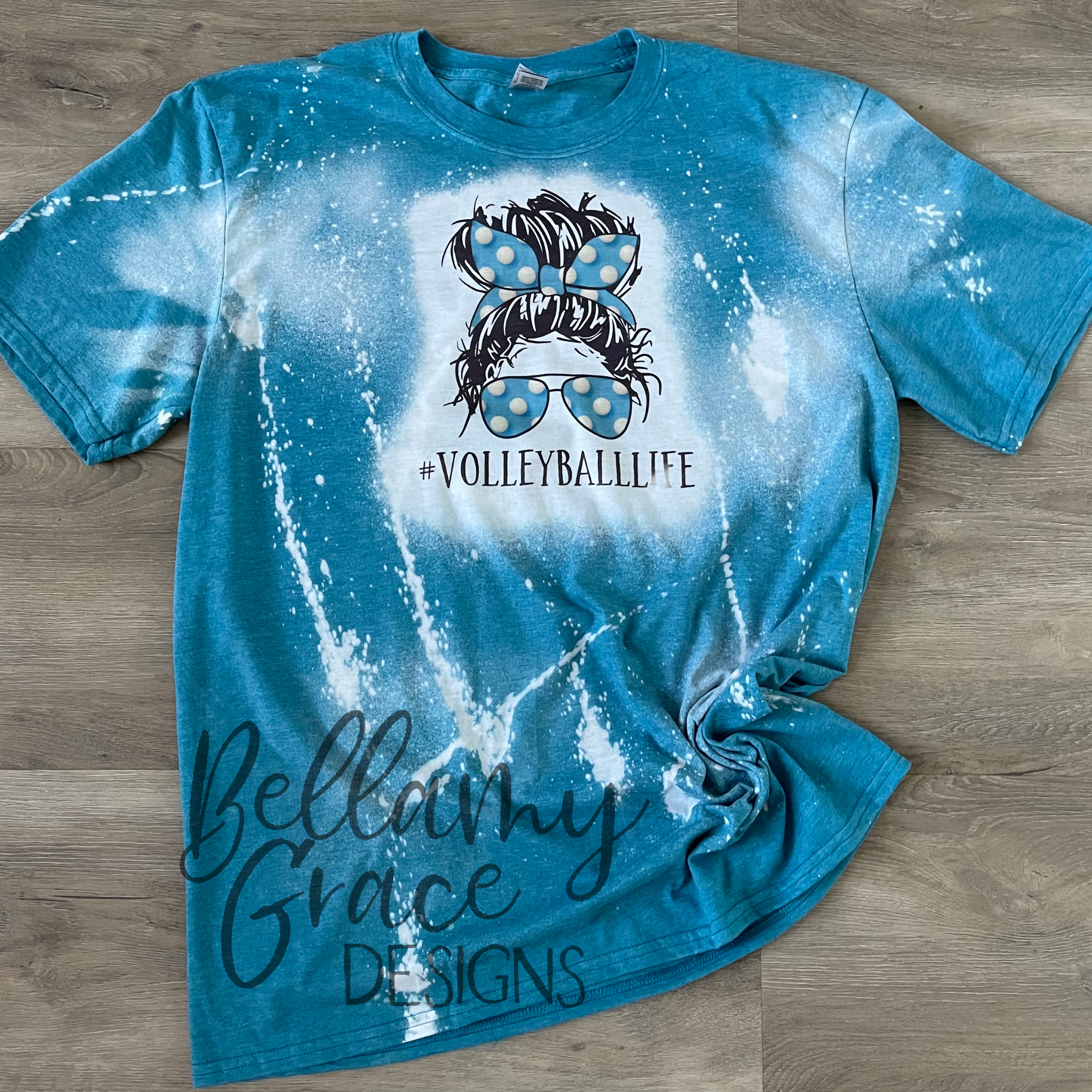
Once you have one of these the possibilities are limitless. Shirts, socks, keychains, earrings, puzzles, cups, mouse pads, license plates, etc. The list goes on and on!